

Avoid Context Switching: How to Maximize Your Focus with Task Batching
Task batching helps you bundle similar tasks together and avoid context switching. Discover practical strategies to sharpen your focus and significantly boost your productivity – ideal for concentrated work and achieving deep flow states.

Why Context Switching Slows Down Your Brain
You know the scenario: You're sitting focused on an important project when suddenly an email arrives. You glance at it, respond quickly, and want to get back to your original task. But somehow your concentration is gone. The next 15 minutes you need to get back into the flow.
This phenomenon is not a personal failure – it's scientifically proven by neuroscience. Every time you switch between different types of tasks, your brain has to shift gears. It takes time to load the new context, activate the relevant information, and regain full attention. Researchers call this effect "context switching overhead."
The costs are significant: Studies show that an average context switch results in 15 to 25 minutes of lost concentration. If you make 10 such switches daily, you quickly lose 2.5 to 4 hours of productive work time – without actually working less.
What is Task Batching and Why Does It Work?
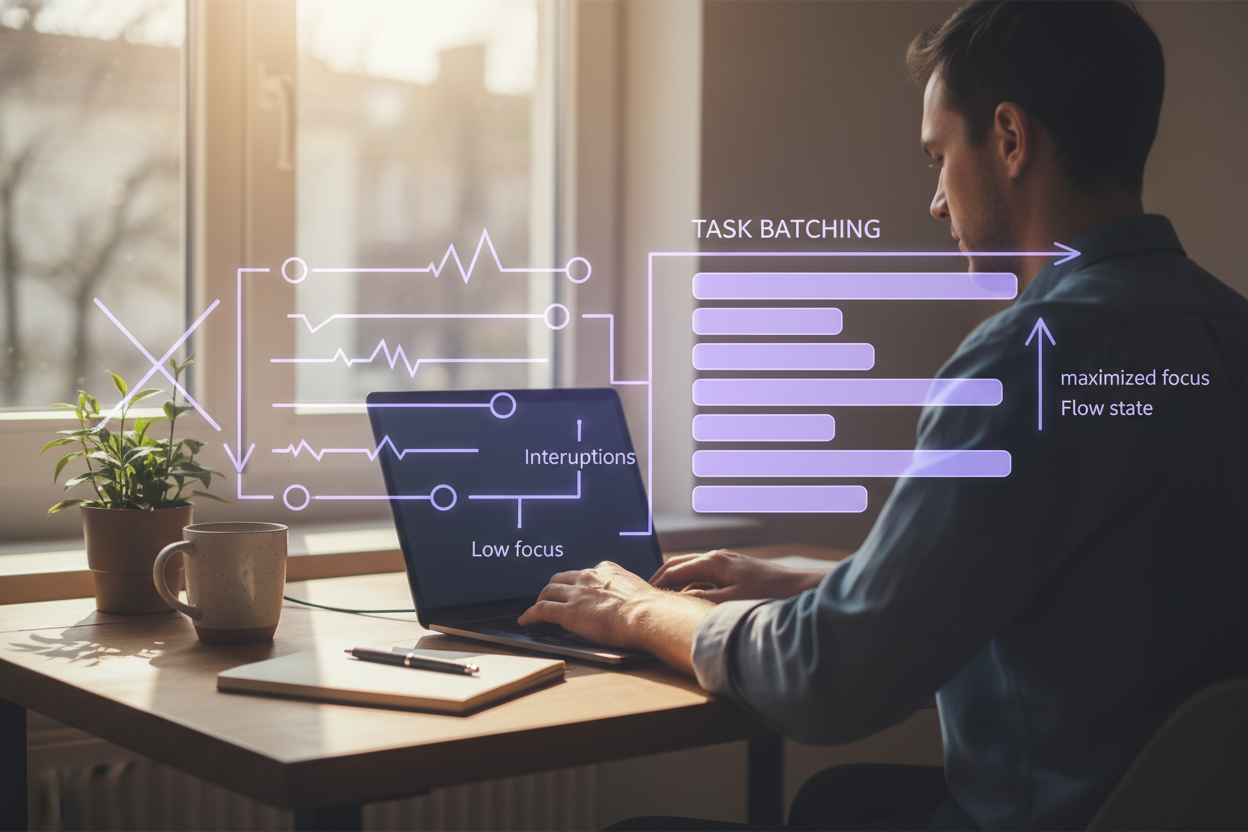
Task batching is the strategy of grouping similar or related tasks together and completing them in one go. Instead of answering emails throughout the day, you answer them in one or two dedicated time blocks. Instead of constantly jumping between meetings, coding tasks, and documentation, you block your time by task type.
The principle is simple, but powerful: Fewer context switches mean less mental strain and more genuine focus.
When you complete similar tasks one after another, your brain stays in the same "mental mode." You don't need to switch every time. The result: You work faster, make fewer mistakes, and reach the flow state more easily – that state where time flies and you're completely absorbed in your work.
Practical Strategies for Implementing Task Batching
1. Categorize Your Tasks by Task Type
The first step is to divide your daily tasks into categories. Typical categories include:
- Communication: Emails, messages, meetings
- Creative Work: Writing, design, concept development
- Analytical Work: Data analysis, programming, problem-solving
- Administrative Tasks: Invoices, administration, organizational work
- Meetings & Discussions: All synchronous exchanges
Look at your upcoming week and write down which task types you have regularly. This gives you the foundation for your batching system.
2. Define Fixed Time Blocks for Each Category
Once you know your categories, reserve fixed time windows for them. A proven schedule could look like this:
- 9:00–10:30 AM: Focus work (creative, analytical, or complex)
- 10:30–11:00 AM: Process emails & messages
- 11:00 AM–12:30 PM: Focus work (second block)
- 2:00–3:30 PM: Meetings & discussions
- 3:30–4:30 PM: Administrative tasks
The exact times depend on your natural performance peaks. Some people are most creative in the morning, others only in the afternoon. Find your optimal pattern.
3. Use Timeboxing for Maximum Efficiency
Combine task batching with timeboxing: Set a fixed time limit for each batch. If your email block is 30 minutes, you process all incoming messages in those 30 minutes – no more, no less.
This boundary creates positive psychological pressure. You become more focused and avoid getting lost in minor details. After 30 minutes, you're done – period.
4. Communicate Your Boundaries Clearly
Task batching only works if others know you're not constantly available. Tell your team:
- When you answer emails (e.g., 11:00 AM and 4:00 PM)
- When you're available for spontaneous conversations
- When you're in focus work and don't want to be disturbed
Many teams respond positively to this clarity. They know you'll respond reliably – just not immediately. This also reduces pressure on your colleagues to clarify everything in real-time.
5. Prioritize Your Focus Blocks
Not all task types are equally important. Your most valuable focus blocks should be reserved for your most important, complex, or creative tasks. These are often the work that brings the greatest business value.
If you're doing strategic planning, for example, you need more mental energy than for routine tasks. Schedule this during your peak hours, not during your tired afternoon phase.
Practical Examples from Everyday Life
Example 1: The Project Manager
A project manager juggles meetings, emails, status reports, and planning daily. With task batching, their day could look like this:
- 9:00–10:00 AM: Strategic project planning (focus work)
- 10:00–10:30 AM: Answer all emails
- 10:30 AM–12:00 PM: Meetings with stakeholders
- 2:00–3:30 PM: Write status reports and update documentation
- 3:30–4:00 PM: Quick check-ins and messages
The result: Instead of being fragmented all day, they have multiple blocks of genuine focus. Their strategic work is no longer constantly interrupted.
Example 2: The Freelancer
A freelancer working for multiple clients could batch by client type:
- Monday & Wednesday: Client A (web development)
- Tuesday & Thursday: Client B (consulting)
- Friday: Administration, invoicing, planning
Instead of jumping between three clients daily, they stay in the same project for two days. This dramatically reduces mental overhead and increases the quality of their work.
Support Task Batching with Digital Tools
Your task planning app is your best helper for task batching. With tools like Planpilot, you can tag your tasks by category, visualize time blocks, and get reminders to stick to your batching structure.
Here's how it works in practice:
- Create task categories (e.g., #FocusWork, #Email, #Meetings)
- Plan your blocks in the weekly overview
- Use notifications to switch to the next block on time
- Track how long you actually need for each block to optimize your system
With a good structure in your app, you can see at a glance how your day is organized and ensure you don't have too many context switches.
Common Challenges and How to Master Them
"But I Have Too Many Meetings!"
If meetings are destroying your batching system: Negotiate. Can you combine multiple short meetings? Can you concentrate meetings on certain days? Often teams realize that focused batching days are more productive and adjust accordingly.
"My Job Requires Constant Availability"
That's rarely actually true. Even in emergency scenarios, most things can wait 30–60 minutes. Define what real emergencies are and set fixed response times for everything else. Your team will quickly understand that "immediately" is often not necessary.
"I Can't Concentrate for 2 Hours Straight"
Then start with shorter blocks: 45 minutes or even 25 minutes (Pomodoro Technique). Your concentration ability is like a muscle – it grows with training. After a few weeks, you'll be able to handle longer blocks.
Your Path to Flow State
Task batching is not just a time management technique – it's a path to greater mental clarity and genuine flow. When you jump less, you think deeper. When you think deeper, better ideas emerge. And when better ideas emerge, work becomes fun again.
Start this week with a simple experiment:
- Write down your 3–5 most important task categories
- Plan a fixed time block for each one
- Stick to it strictly this week
- Note how your concentration and mood change
Most people notice a big difference within just a few days. Your brain will thank you – and so will your results.
Bereit, deinen Tag zu planen?
Probiere die Zeitbox-Methode mit Planpilot aus — kostenlos und in 5 Minuten einsatzbereit.
Jetzt kostenlos starten →
Comments
Leave a comment
Please follow our . Comments are published after review.